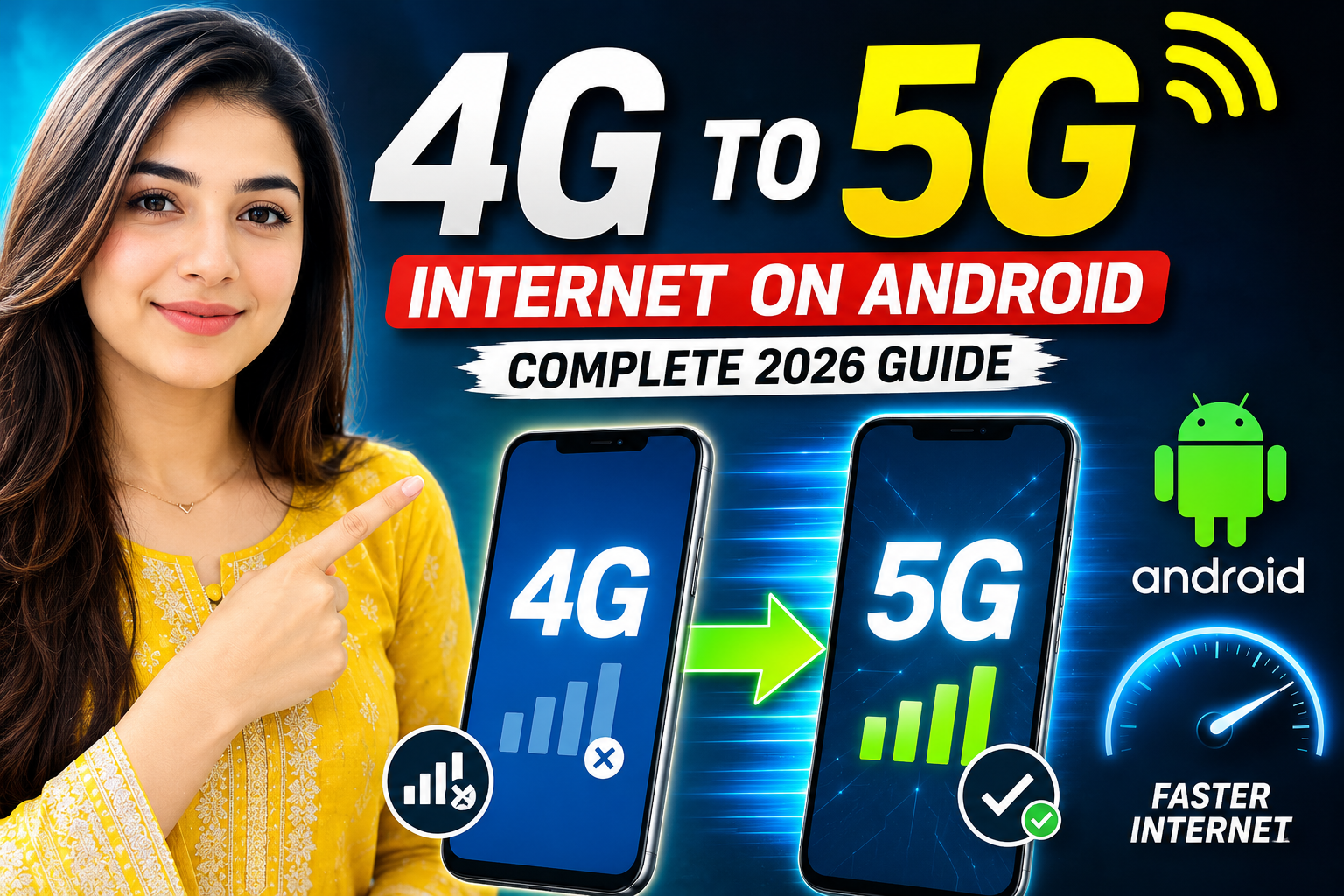
The arrival of 5G technology has transformed mobile connectivity by offering faster speeds, lower latency, and improved network performance. Many Android users are now searching for ways to upgrade from 4G to 5G and enjoy a better internet experience. However, not every smartphone can access 5G networks, and several requirements must be met before making the switch.
This complete 2026 guide explains everything you need to know about upgrading your Android phone from 4G to 5G.
What Is 5G?
5G is the fifth generation of mobile network technology. It is designed to deliver:
- Faster download speeds
- Lower latency
- Improved video streaming
- Better online gaming performance
- More reliable connectivity
- Enhanced support for smart devices
Compared to 4G, 5G can provide significantly higher internet speeds and smoother performance for modern applications.
Can Every Android Phone Use 5G?
No.
Your device must have a built-in 5G modem and hardware support.
If your phone was manufactured as a 4G-only device, software settings cannot magically enable 5G.
Check If Your Phone Supports 5G
Go to:
Settings → About Phone → Device Specifications
You can also search your phone model online to verify whether it includes 5G support.
Requirements To Use 5G
Before upgrading, ensure you have:
1. A 5G-Compatible Smartphone
Examples include:
- Samsung Galaxy S Series
- Samsung Galaxy A Series (selected models)
- Google Pixel 5G models
- Xiaomi 5G smartphones
- OnePlus 5G devices
- Realme 5G phones
- Vivo 5G smartphones
2. A 5G SIM Card
Many telecom providers now offer 5G-ready SIM cards.
Contact your network provider if you’re unsure whether your SIM supports 5G.
3. 5G Network Coverage
Even with a compatible phone, you need to be in a location where your carrier provides 5G service.
How To Enable 5G On Android
If your phone supports 5G, follow these steps:
Step 1: Open Settings
Go to:
Settings → Network & Internet
or
Settings → Connections
Step 2: Select Mobile Network
Tap:
Mobile Network
Step 3: Choose Preferred Network Type
Look for:
Preferred Network Type
Step 4: Select 5G
Choose:
- 5G/4G/3G/2G Auto
- 5G Preferred
- 5G Auto
The exact wording depends on your phone manufacturer.
Benefits Of Switching To 5G
Faster Downloads
Large files, apps, and updates download much faster than on 4G.
Better Video Streaming
Enjoy smoother:
- YouTube videos
- Netflix streaming
- Live broadcasts
- 4K content
Improved Online Gaming
5G reduces lag and improves responsiveness in multiplayer games.
Faster Cloud Access
Uploading photos, videos, and documents becomes quicker and more efficient.
Why 5G May Not Appear On Your Phone
Several factors can prevent 5G from appearing:
Unsupported Device
The most common reason is that the phone only supports 4G.
Outdated Software
Install the latest Android updates.
Carrier Restrictions
Some mobile operators require specific plans for 5G access.
No 5G Coverage
Your area may not yet have 5G towers.
SIM Card Issues
Older SIM cards may need replacement.
Common Myths About 4G To 5G Upgrades
Myth: An App Can Convert 4G To 5G
False.
No application can add 5G hardware to a 4G-only smartphone.
Myth: Secret Codes Enable 5G
False.
Network codes cannot create 5G capability if the phone lacks the required hardware.
Myth: Software Updates Turn Every 4G Phone Into 5G
False.
A software update cannot replace missing 5G hardware components.
Best Practices For Better 5G Performance
- Keep software updated.
- Use a certified 5G SIM.
- Enable automatic network selection.
- Avoid battery saver mode when testing 5G.
- Stay within strong network coverage areas.
Frequently Asked Questions
Can I Convert A 4G Phone Into A 5G Phone?
No. A phone must have dedicated 5G hardware support.
Is 5G Faster Than 4G?
Yes. 5G generally offers significantly higher speeds and lower latency.
Do I Need A New SIM For 5G?
It depends on your carrier. Some existing SIM cards support 5G, while others require replacement.
Does 5G Drain Battery Faster?
In some situations, 5G can use more battery than 4G, especially in weak coverage areas.